
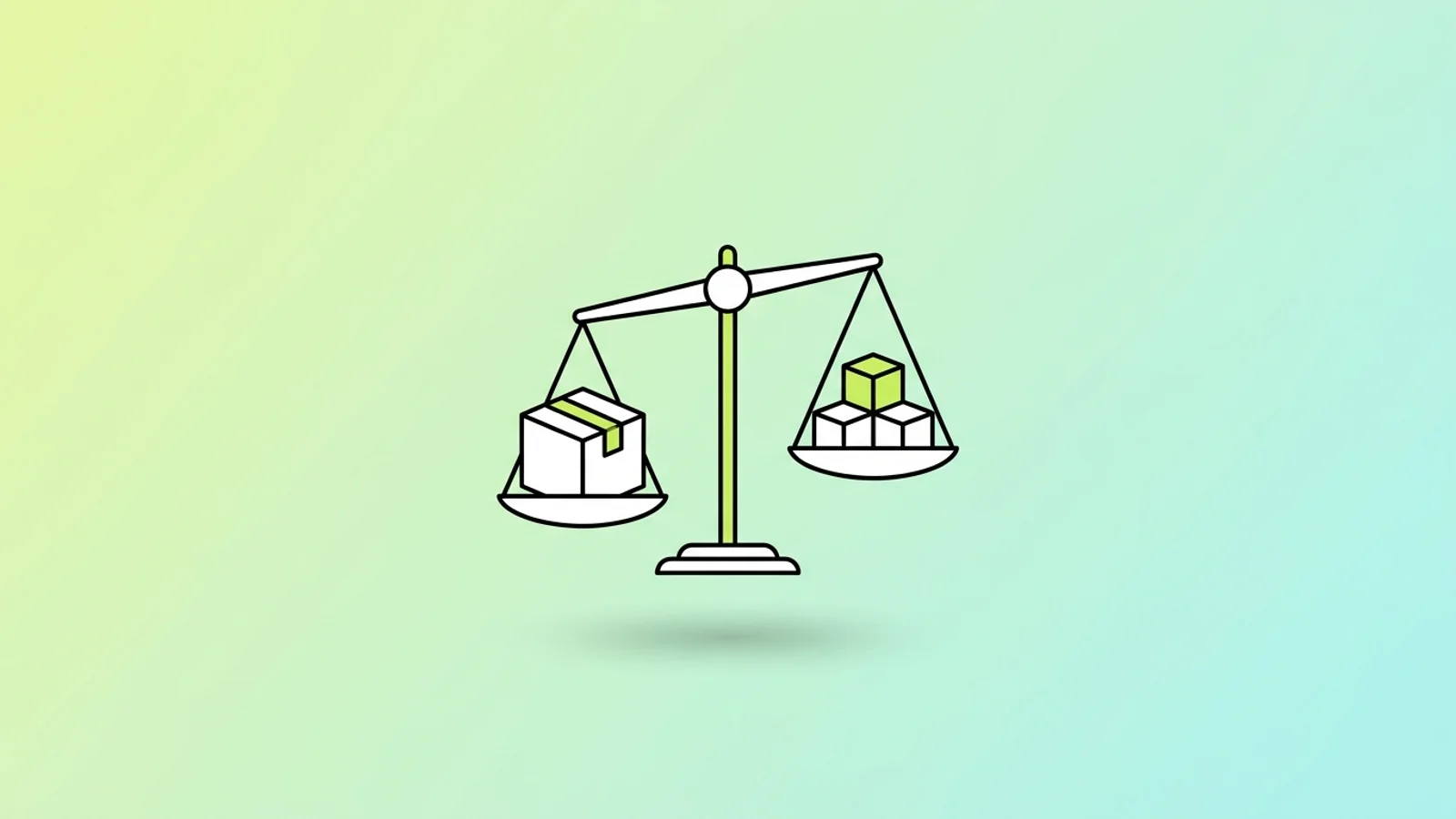
Buy off-the-shelf software for anything that works roughly the same at every company: accounting, payroll, email, standard sales pipelines. Build custom software only where your process is the product, where no vendor sells what you do, or where the workaround costs more each year than the build. Almost every company ends up running both.
Why the build vs buy question is usually framed wrong
Most build vs buy comparisons put a license fee next to a development quote and call it analysis. That covers the smallest and shortest part of the total cost. The expensive part is the decade you spend running the thing.
The scale of that gap is easiest to see in public data. The US federal government spends more than $100 billion a year on IT, and agencies have typically reported spending about 80 percent of it on operations and maintenance of systems they already have, according to a 2025 GAO report on legacy system modernization. For fiscal year 2025, about $83 billion (79 percent) of planned IT spending across the 24 Chief Financial Officers Act agencies was earmarked for operations and maintenance, per GAO's analysis of the federal IT dashboard. Your business is not a federal agency, but the shape of the curve is the same.
Gartner frames enterprise system cost across three life cycle phases: Implement, Operate and Exit, and notes that cloud subscriptions turn ERP from discrete spending into continuous spending that is harder to track. The honest question is not which option is cheaper to get, it is which one you want to be responsible for in year six.
When buying off-the-shelf software wins
Buy when the process is a solved problem and someone else's product roadmap does work you would otherwise pay for. General ledger, tax tables, payroll filings, bank feeds, help desk ticketing: thousands of companies fund the maintenance of these features, and compliance updates arrive with the subscription.
Choose buy if most of these are true:
- A competitor could switch to your process tomorrow with no advantage lost.
- The function is regulated and the rules change often (payroll, sales tax, financial reporting).
- Under 50 people will use it, and the vendor's default workflow is 80 percent right.
- You need it live this quarter, not next year.
- You have no one internally who could own the code after launch.
The real cost of buying is not the license. It is configuration, data migration, integration with your other systems, and training. In survey data compiled by Oracle NetSuite, among organizations that overran their ERP budget, 38 percent said original staffing was underestimated, nearly 35 percent said scope expanded, and about 34 percent cited technical issues. None of those are license line items.
When custom software pays for itself
Build when the process is the reason customers choose you, or when the workaround has become a permanent staffing cost. If three people spend half their week re-keying data between two systems, or your operations run on a spreadsheet that only one person understands, that is a recurring salary line you can convert into an asset.
Choose build if most of these are true:
- The workflow is specific to your industry or your commercial model, and evaluated products all require heavy modification.
- The system touches how you win work: pricing logic, dispatch, scheduling, quality control, underwriting rules.
- You are paying for four overlapping tools plus manual reconciliation between them.
- You can name the person or partner who will maintain it in year three.
- The change you need most is one your vendor has declined to build.
Be honest about the failure risk. McKinsey research with the University of Oxford, covering more than 5,400 IT projects, found that large projects with initial budgets over $15 million ran on average 45 percent over budget and delivered 56 percent less value than predicted. Most mid-market builds are far smaller, but the pattern behind those numbers, scope drift on a long project with no working software until the end, is what to guard against (the early signs an IT project is failing are worth knowing first). The counter is short cycles: something usable in production within weeks, then extended.
The hybrid path: buy the platform, build the edge
Most companies land here, and it is usually the right answer rather than a compromise. You buy the system of record for finance, keep it close to standard, and build only the operational layer your business actually competes on, connected through APIs.
Pure buy is rarer than the word suggests. In the data compiled by Oracle NetSuite, more than a quarter of organizations implemented with no customization, nearly 45 percent chose moderate customization, and about 21 percent heavily customized. So roughly two thirds of "buyers" were already building something. Gartner now describes composable ecosystems, low-code flexibility and modular extension as central to modern cloud ERP, in contrast to the monolithic systems that earned ERP its reputation for inflexibility.
The distinction that matters is between three things people call customization:
- Configuration: settings, fields, roles and workflows the vendor supports. Survives upgrades. Cheap.
- Extension: your own code or low-code apps outside the core, talking to it through documented APIs. Survives upgrades if the API is stable. Moderate cost.
- Core modification: changing vendor code or schema. Breaks on upgrade, and you pay to re-do it every release. This is where budgets die.
Keep the boundary clean and the hybrid is cheaper than either extreme. Blur it and you get the cost of custom software with the constraints of a package. That split is the sane starting point for an ERP program: standard platform underneath, custom only where the operation is genuinely different.
What to compare over five years, not five months
Build a five-year comparison with the same cost lines on both sides. If one column has an empty cell, you have not finished the analysis.
| Cost line | Buy | Build | Hybrid |
|---|---|---|---|
| Getting live | Licenses, configuration, partner fees | Discovery, design, development, QA | Licenses plus a smaller build |
| Data migration | Cleaning and mapping legacy data | Same work, plus schema design | Both, done once |
| Integration | Connectors and middleware | APIs you write and maintain | Largest single line, budget for it |
| Running it | Renewals, user growth, upgrades | Hosting, on-call, fixes, dependency updates | Both, at reduced scope each |
| Getting out | Data export, contract exit, re-implementation | Rewrite or modernization | Replace one layer at a time |
The exit line is the one nearly every comparison omits. Of the 11 federal legacy systems GAO identified as most in need of modernization, only three agencies had documented modernization plans covering all key practices. Definitions of legacy vary even within one government: the Department of Defense treats a system as legacy when it is scheduled for retirement within three years, while NASA weighs mission criticality, obsolescence, running cost and security posture. Pick your own definition on day one and write down what would trigger replacement.
Build or buy by system type
A single framework is not enough, because the answer differs sharply by system. These are sensible defaults for companies between roughly 20 and 500 people.
| System | Default | Exception |
|---|---|---|
| Accounting and financial close | Buy | Almost never build |
| Payroll and benefits | Buy | Almost never build |
| CRM and sales pipeline | Buy, then extend through its API | Extend rather than replace when deal structure or quoting logic is proprietary |
| Inventory and warehouse | Buy for standard goods | Build for lot, batch, serial or perishability rules vendors do not model |
| Industry operations (dispatch, production, claims) | Build or heavily extend | Buy if a credible vertical product exists in your niche |
| Customer-facing portal or app | Build | Buy only for a short-lived pilot |
| Internal approvals and reporting | Low-code or workflow tools | Build when it spans four or more systems |
Common mistakes in build vs buy decisions
- Comparing a license fee to a build quote. Add configuration, migration, integration and five years of running cost to both sides before you compare anything.
- Letting the loudest vendor define the requirements. Write the 15 things the system must do, in your own words, before any demo. Score every option against that list, including doing nothing.
- Modifying vendor core code. You will pay for the same modification again at every upgrade. Extend through APIs instead.
- Building commodity plumbing. Authentication, billing, tax calculation and payroll are rarely worth building yourself. Buy those and spend your budget on the part nobody sells.
- No named owner after go-live. If nobody is accountable for the system in year two, it decays whichever path you chose.
- Accepting unsourced savings percentages. If a proposal claims a specific percentage cut in build cost or timeline, ask which projects the figure came from. Requirements, integration, data cleanup and change management are what blow budgets, and they are the hardest lines to compress.
- Skipping the ownership terms. On any build, confirm in writing who owns the code, repositories, cloud accounts and documentation before work starts. Finding out later that you cannot take the system elsewhere is one of the most common ways businesses get burned.
What to do next
Take your list of systems, mark each one as commodity or differentiating, and price only the differentiating ones as candidate builds. Buy the commodity ones this quarter and spend the saved time on the one process no vendor can sell you. If you want a second opinion on where that line falls, our custom software page explains how we scope that assessment.